Product photos
Upload product photos or visual references so Soldy can understand the product, details, and selling points.
Marketing Studio turns product photos into ready-to-use commercial videos. Upload your product, choose a mode, pair it with an avatar, and let Soldy generate a 15-second ad you can use right away.


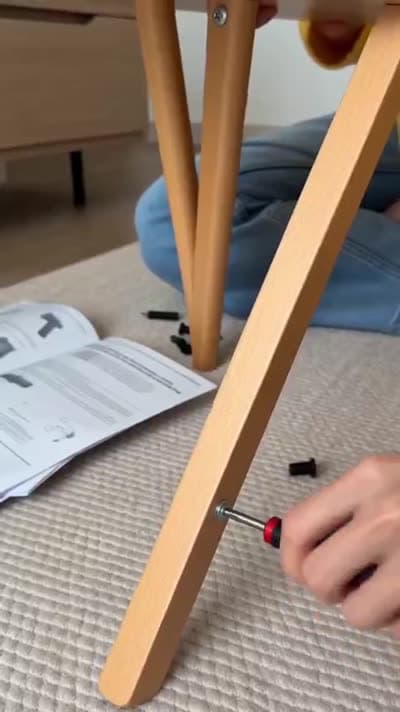
Upload product photos or visual references so Soldy can understand the product, details, and selling points.
Pair the product with a presenter or branded avatar to turn static material into a commercial scene.
Choose formats like UGC, unboxing, try-on, or TV spot to give each output a clear creative structure.
Generate a ready 15-second commercial video from the product, avatar, and selected mode.


Soldy's video engine gives Marketing Studio the intelligence to connect product photos, avatars, and presets into repeatable commercial output.
Keeps product, avatar, and camera movement feeling natural enough for short-form commercial use.
Supports tight 15-second scenes with clear hooks, product beats, and a clean finish.
Modes guide the generation so output feels directed, repeatable, and easier to use.
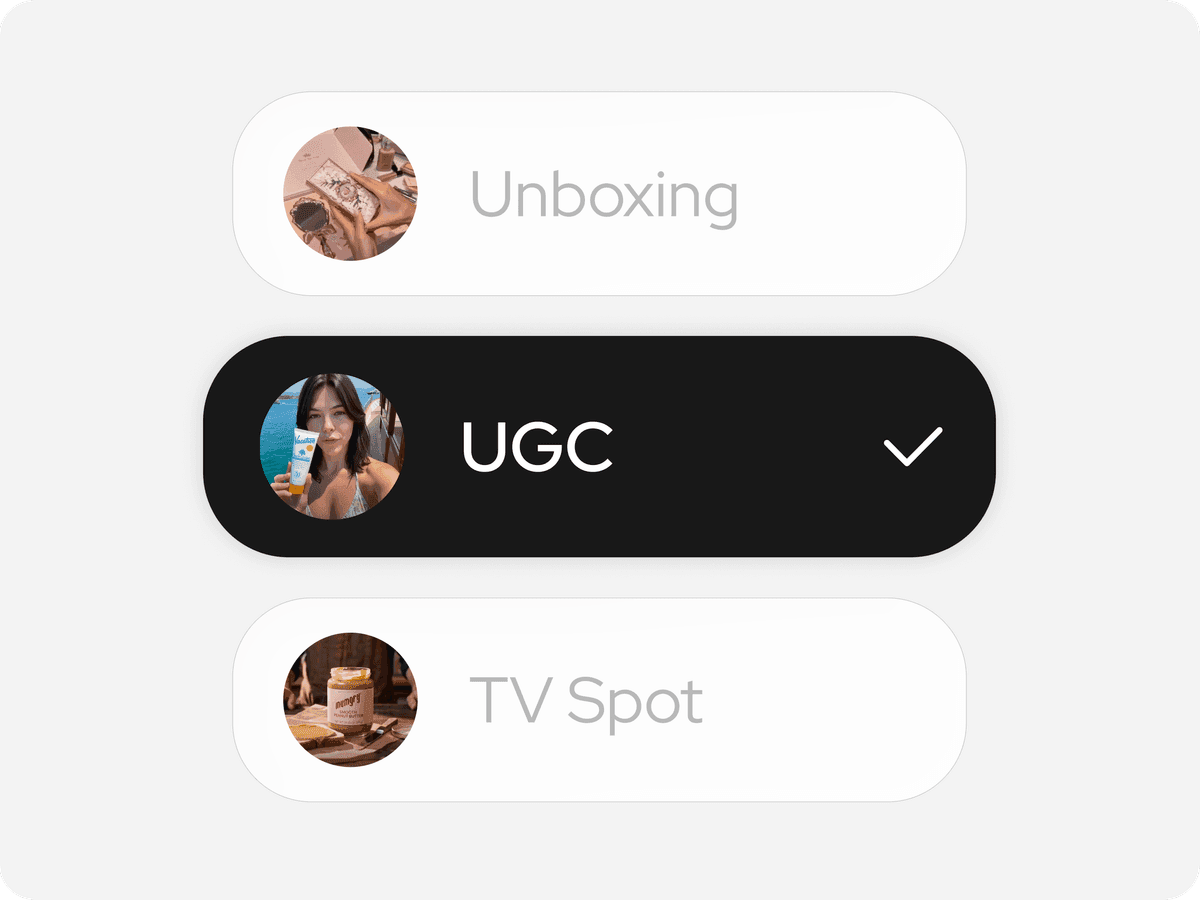
Pick the commercial format that fits the video you want.

Upload product photos manually or add a product reference.

Pair your product with a presenter or branded avatar.

Create an ad-ready 15-second video with no editing timeline.
A structured workspace for turning product photos, avatar choices, and mode presets into commercial video ads.
No. Marketing Studio is designed around guided inputs and reusable video modes, so you can start from product material instead of a blank editing timeline.
No. Product photos are the main starting point. A product link can be used as an optional reference, but the workflow does not depend on it.
Soldy's video engine combines your product, avatar, and mode choices into polished short-form commercial output.

An AI video advertising platform for product ads, campaigns, and brand assets.
© 2026 Chatail. All rights reserved.